


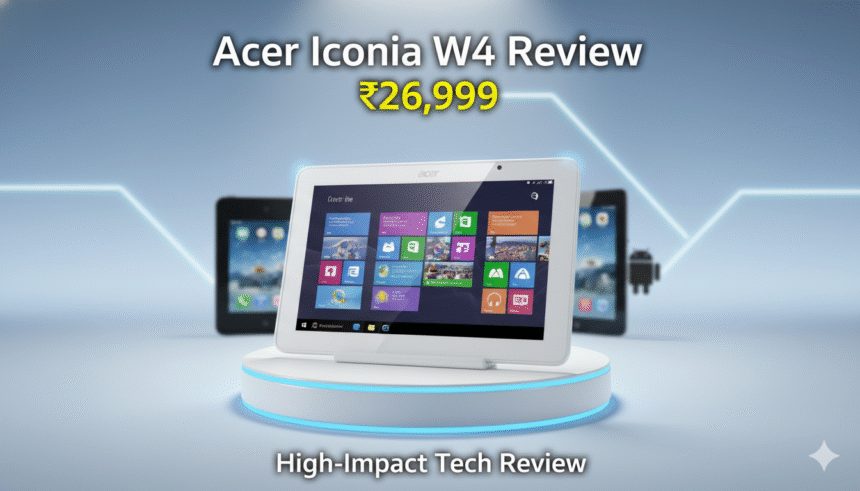
By Anushka Verma | Updated: 16 November 2025
Introduction
In an era where compact tablets are expected to deliver top-tier performance in a lightweight footprint, the Acer Iconia W4 entered the market with a bold promise: a full Windows 8.1 experience packed inside an 8-inch form factor. At a time when the iPad Mini and premium Android tablets dominated the sub-10-inch segment, Acer attempted to break the mold by bringing desktop-grade functionality to handheld size.
But innovation is not always enough. When you put a full Windows operating system into a compact shell powered by an entry-level Intel Atom processor, something has to give. And in the case of the Acer Iconia W4, quite a lot did.
Despite offering respectable specs on paper, including 2GB RAM, Intel’s Bay Trail Z3740 processor, 64GB internal storage, and a bright IPS display, its real-world performance struggled to keep pace with user expectations—or its own marketing claims.
In this in-depth review, we examine every aspect of the Acer Iconia W4: design, display, performance, software experience, battery life, and value for money. This article takes you through a professional analysis of how the device holds up against premium rivals and whether it deserves your attention—or your money.
Specifications at a Glance
Below is the full technical breakdown of the Acer Iconia W4:
| Feature | Details |
|---|---|
| Model | Acer Iconia W4 |
| Price (India) | ₹26,999 (64GB variant) |
| Display | 8-inch IPS LCD, 1280×800 pixels |
| Processor | 1.8GHz Quad-Core Intel Atom Z3740 |
| RAM | 2GB |
| Internal Storage | 64GB (approx. 51.9GB usable initially) |
| Expandable Storage | Yes, via microSD |
| Operating System | Windows 8.1 |
| Rear Camera | 5MP |
| Front Camera | 2MP |
| Connectivity | Wi-Fi 802.11 a/b/g/n, micro-USB, micro-HDMI |
| Weight | 415 grams |
| Battery | 4950mAh |
| Ports | Micro-USB, micro-HDMI, micro-SD card slot |
| Color Options | Standard metallic-finish plastic |
Acer Iconia W4 in 2025: The Context
Before diving into the detailed analysis, it’s important to understand the landscape.
In 2014, when the Iconia W4 launched:
- The iPad Mini was considered the gold standard of compact tablets.
- The Nexus 7 (2013) dominated Android fans with its price-to-performance ratio.
- Windows tablets were still transitioning from bulky laptops to touch-optimized devices.
- The Metro UI was growing, but traditional Windows apps were not designed for touchscreens.
Acer’s gamble was ambitious—placing a full desktop OS inside an 8-inch device, something Apple and Google never attempted. But ambition doesn’t always translate into a good user experience.
Design & Build Quality
Premium Looks, Practical Problems
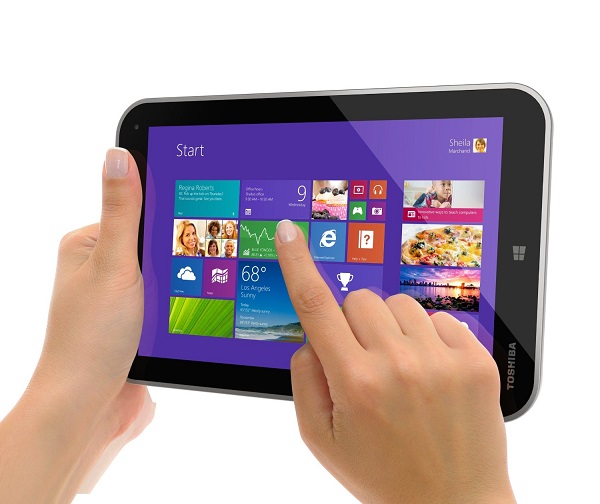
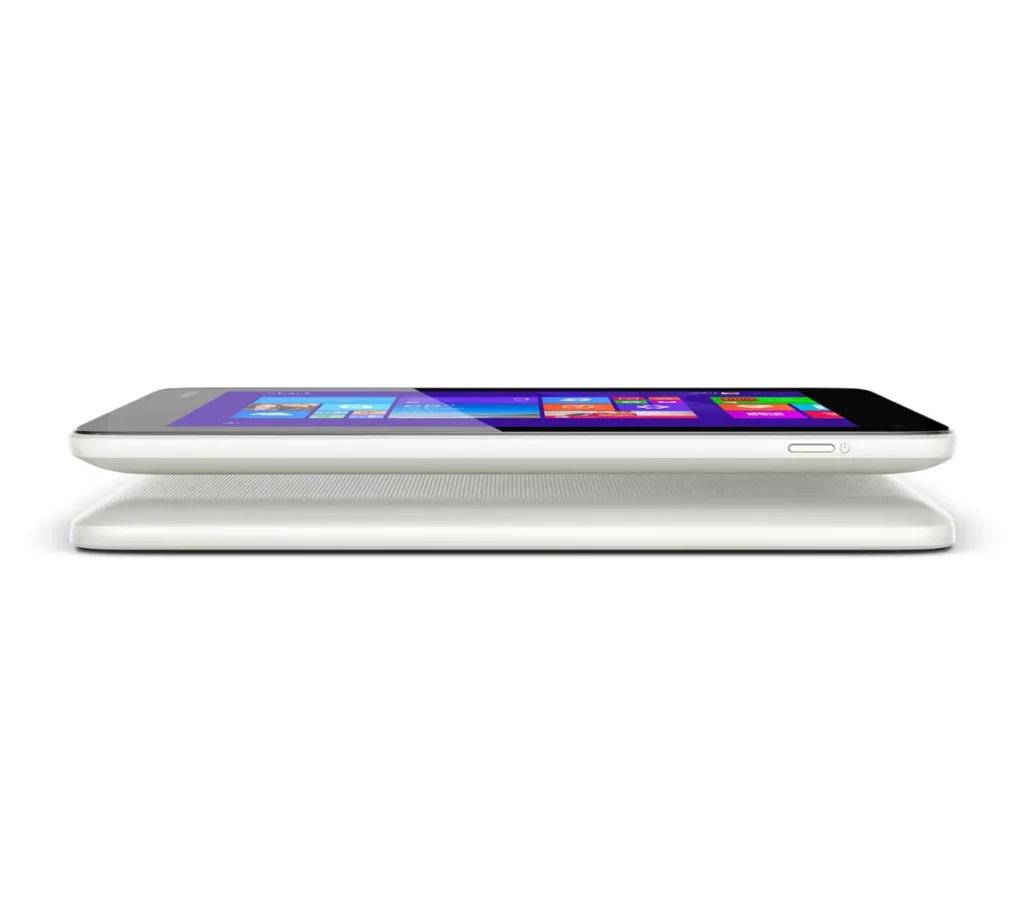
The Iconia W4 features a plastic body designed to mimic metal, giving it a premium look from afar. The build is solid, sturdy, and doesn’t flex, which is a plus for durability.
However, there are noticeable drawbacks:
- The weight (415g) is far heavier than other tablets in this size range.
- Prolonged one-hand usage becomes uncomfortable.
- Reading books or browsing the web for over half an hour starts straining your wrists.
- The thick bezels make the device look dated, even by 2014 standards.
Ergonomics
Buttons and ports are placed well, but the overall heft pulls the experience down. Compared to the lighter, more elegant iPad Mini, this feels more like a compact netbook screen than a sleek touch device.
Display Quality
Bright, Sharp, and Pleasant Indoors
The 8-inch IPS screen is actually one of the strongest advantages of the Iconia W4. Colors are vibrant, contrast levels are pleasing, and viewing angles are good thanks to the IPS technology.
But Visible Issues Remain
- Under direct sunlight, the display struggles.
- Reflectiveness is high, making outdoor usage difficult.
- The resolution (1280×800) is decent, but lags behind Retina-class competitors.
In typical indoor settings, the display performs well. But as a tablet meant for mobility, visibility in sunlight becomes a necessary factor—and the W4 falls short.
Performance: Where the W4 Shows Its Limitations
Good Enough for Modern UI… Until You Try Desktop Apps
The Intel Atom Z3740 processor is capable on paper. It handles basic:
- Modern UI apps
- Streaming
- Light multitasking
- Office document viewing
But the problems start when you try running full desktop applications.
Desktop Browsers Bring It to Its Knees
Firefox and Chrome quickly consume RAM and CPU, making the system sluggish. Tabs load slowly, scrolling stutters, and multitasking becomes nearly impossible.
External Display? Not Recommended
Connecting the Iconia W4 to a larger screen via HDMI exposes its performance bottlenecks. Windows animations lag, videos stutter, and applications take longer to open.
Multitasking Limitations
With only 2GB RAM, Windows 8.1 simply doesn’t run comfortably for anyone expecting a PC-like experience.
In short, the device works fine—until you push it even a little.
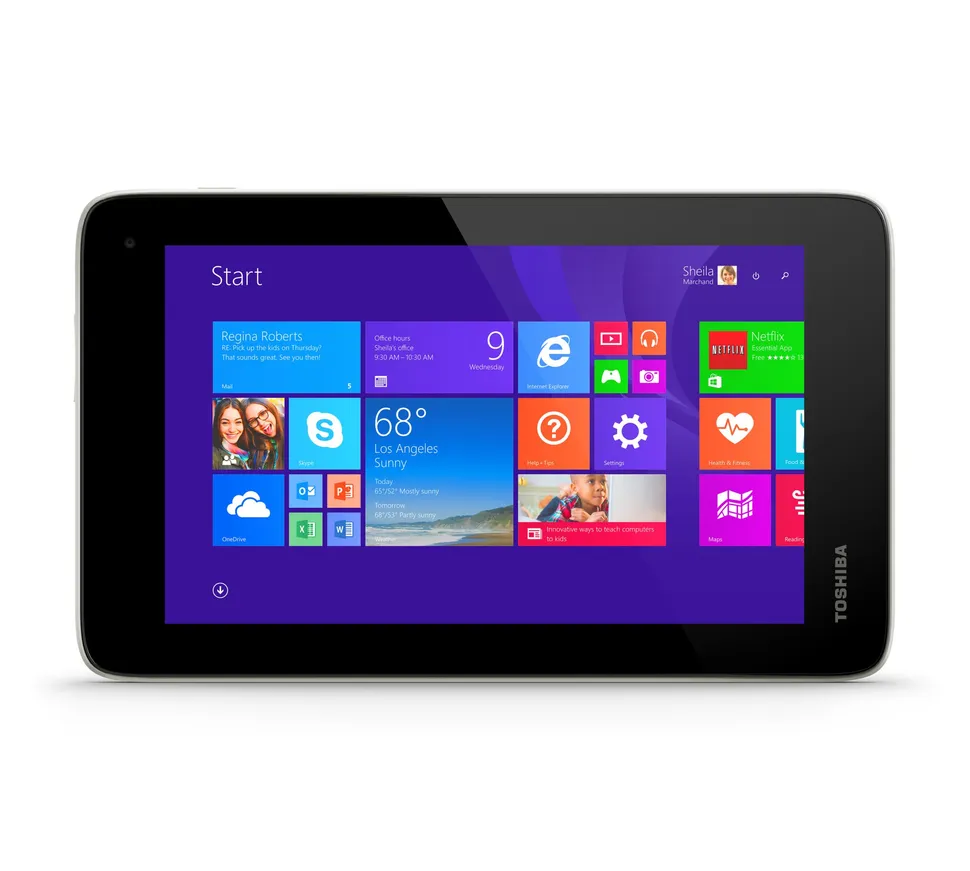
Storage & Memory: Numbers That Shrink Too Fast
The 64GB version gives you around 51.9GB usable out of the box.
But after:
- Installing some apps
- Windows updates
- System Restore creating backups
You’re left with around 43GB.
Now imagine the 32GB version. You would get barely 11GB usable. That’s almost laughable for a Windows device.
Thankfully, the microSD slot helps, but even then, internal storage limitations affect app installations and OS-level operations.
Software Experience: Full Windows on an 8-Inch Screen—Is It Worth It?
Windows 8.1: Powerful, But Not Optimized for Small Touchscreens
Running full Windows sounds attractive:
✔ Access to desktop apps
✔ Microsoft Office support
✔ Familiar interface
✔ Broad compatibility
But the experience simply isn’t optimized for an 8-inch display.
Major Issues:
- Desktop buttons and controls are too tiny to tap comfortably.
- Many traditional Windows apps are not touch-friendly.
- Metro/Modern UI apps run well, but the selection was limited in 2014.
- Switching between desktop and tablet UI feels disjointed.
Not a Replacement for iOS or Android
Android and iOS were built for touch. Windows was not. And no amount of features can overcome the usability limitations.
Camera Performance
5MP Rear Camera: Practically Useless
The rear camera is one of the weakest aspects:
- Good only outdoors
- Grainy in low light
- Poor exposure balance
- Sluggish shutter
2MP Front Camera: Decent for Video Calls
The front camera works fine for:
- Skype calls
- Zoom
- Google Meet
But only if you have ample lighting.
This is clearly not a device you buy for photography.
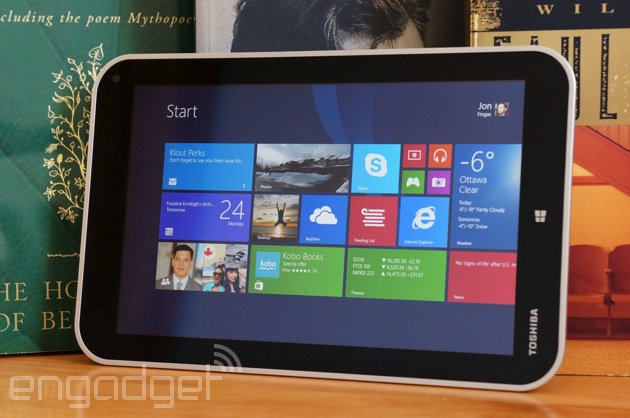
Battery Life: The One True Strength of the Iconia W4
If there’s one area where the Iconia W4 shines, it’s battery backup.
Battery Performance Tests:
- Continuous video playback: 7 hours 20 minutes
- Wi-Fi browsing test (refresh every 15 seconds): 4 hours 50 minutes
- Standby time: Impressive
- Normal usage: Easily lasts a full day
Compared to other 8-inch Windows tablets, this is significantly better, proving Acer did a good job with power optimization.
Comparison With iPad Mini & Android Tablets
| Feature | Acer Iconia W4 | iPad Mini | Nexus 7 (2013) |
|---|---|---|---|
| Performance | Slow under load | Smooth | Excellent |
| Display | Good indoors | Class-leading | Sharp, bright |
| Weight | Heavy | Lightweight | Very light |
| OS Optimization | Poor for touch | Excellent | Excellent |
| Battery | Good | Very good | Good |
| Ports | Multiple | Limited | Limited |
Clearly, the Iconia W4 falls behind in critical areas like performance, weight, and software experience.
Value for Money: The Final Blow
At ₹26,999, the Iconia W4’s pricing is simply unjustifiable, especially when:
- iPad Mini (16GB)
- Nexus 7 (32GB, 2013 with SIM slot)
…are available at the same price bracket, both offering a far superior experience.
You’re paying premium pricing for mid-tier performance.
Verdict: Should You Buy the Acer Iconia W4?
Short Answer: No.
The Acer Iconia W4 tries to deliver a PC-like experience on an 8-inch tablet. But in doing so, it compromises on key areas like:
- Performance
- Weight
- Software usability
- Camera quality
Despite the strong display and excellent battery life, the overall experience is inconsistent and frustrating.
For the same price, better alternatives exist in both iOS and Android ecosystems.
Final Verdict: You’d Be Wasting Your Money on the Iconia W4.
It is a tablet that promised a lot but delivered too little.